Set the goal
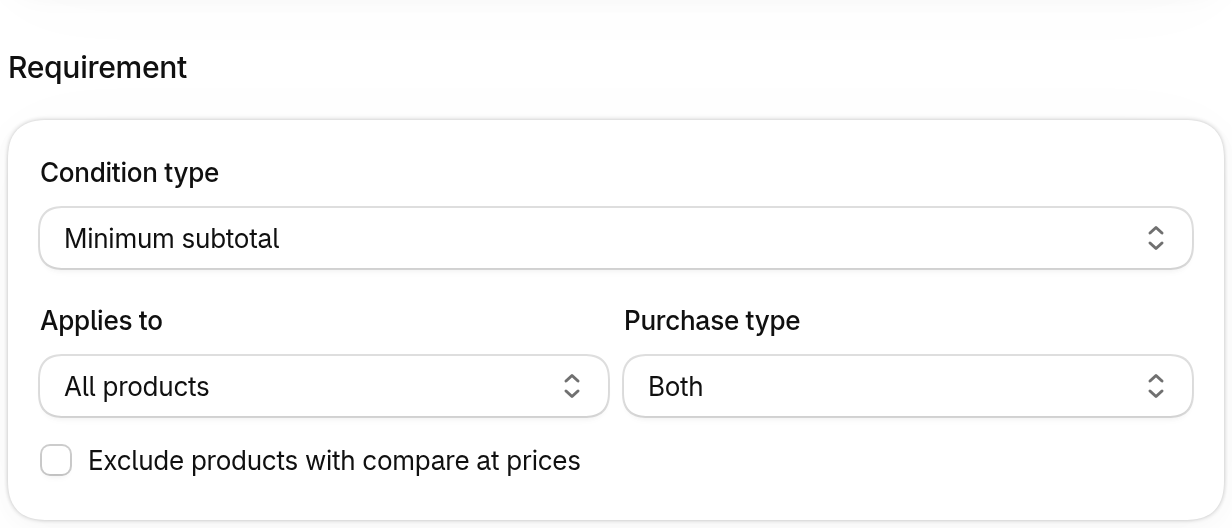
A spend or a quantity, and which products count toward it.
Gift with purchase
Set a goal and a gift. Discount Kit adds it to the cart, lets shoppers choose when there's a choice, and takes it back if the cart drops below the goal.
This store gives a free tote over $75 and a choice of cap or socks over $150. Add tees and watch the cart.
%20scale(0.44)%22%20fill%3D%22%23f1f2f6%22%3E%3Crect%20width%3D%2240%22%20height%3D%2240%22%2F%3E%3Crect%20x%3D%2260%22%20y%3D%2260%22%20width%3D%2240%22%20height%3D%2240%22%2F%3E%3Crect%20x%3D%2240%22%20y%3D%2240%22%20width%3D%2220%22%20height%3D%2220%22%2F%3E%3Crect%20x%3D%2260%22%20y%3D%2220%22%20width%3D%2220%22%20height%3D%2220%22%2F%3E%3Crect%20x%3D%2280%22%20width%3D%2220%22%20height%3D%2220%22%20fill%3D%22%23ff3366%22%2F%3E%3Crect%20x%3D%2220%22%20y%3D%2260%22%20width%3D%2220%22%20height%3D%2220%22%2F%3E%3Crect%20y%3D%2280%22%20width%3D%2220%22%20height%3D%2220%22%2F%3E%3C%2Fg%3E%3C%2Fsvg%3E)
The Kit Tee
$48.00
Heavyweight cotton. Buy more, save more.
Cart
Progress, as shoppers see it
A spend or a quantity, and which products count toward it.
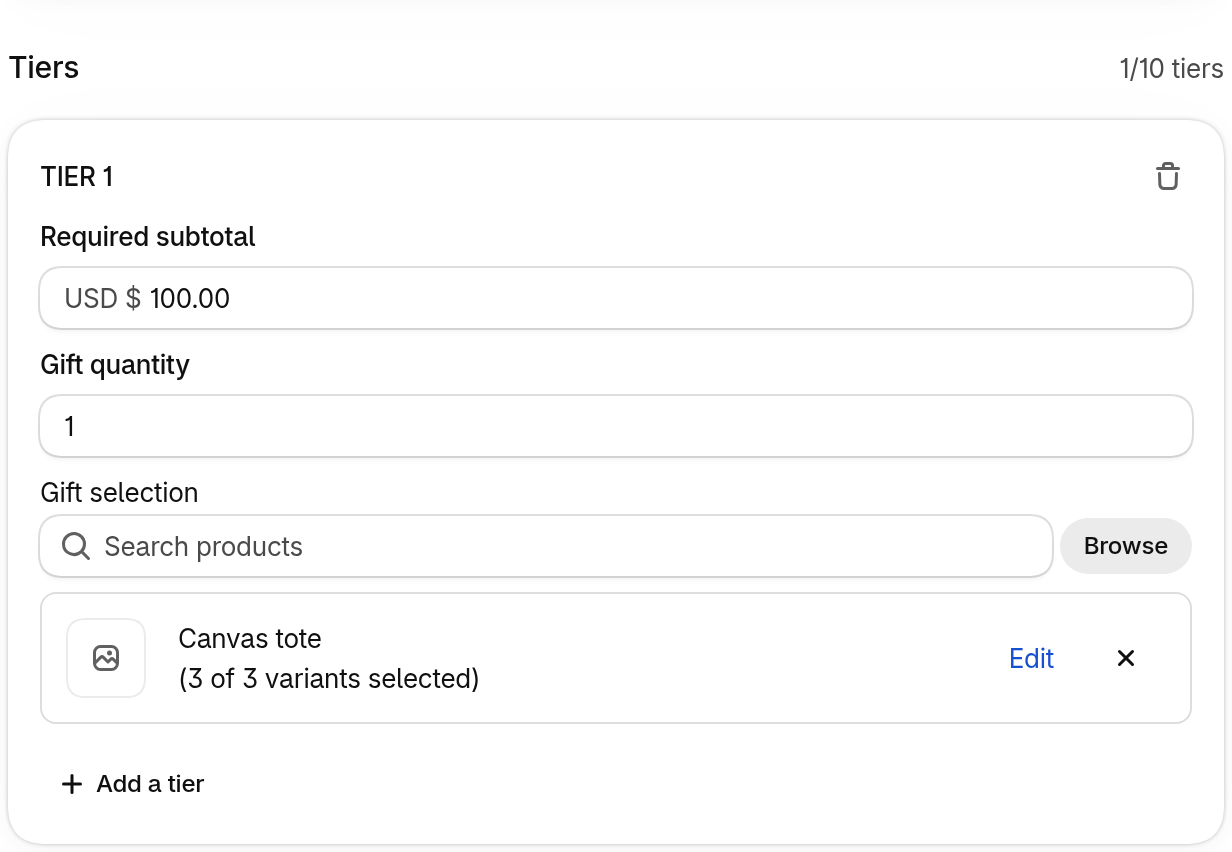
Each tier's goal, how many gifts it gives, and the products to choose from.
Enable the Gift with purchase app embed in your theme editor. It adds, swaps and removes gifts, and opens the selector when there's a choice.
Read the setup guide →When a goal has one gift, it goes straight into the cart the moment the goal is met. No code, no extra click.
When there's a choice, the gift selector opens: every option, its colours and sizes, and one button to add them.
Remove items and drop under a goal, and its gift leaves the cart, so nobody checks out with a gift they didn't earn.
Spend $75 for one gift, $150 for another. Set goals by spend or by quantity, up to ten tiers in one discount.
A Change gifts button in the cart reopens the selector, filled in, so shoppers can swap a colour or a gift.
Pair it with the tiered rewards bar, and shoppers can see how far they are from the next gift.