Discount Price
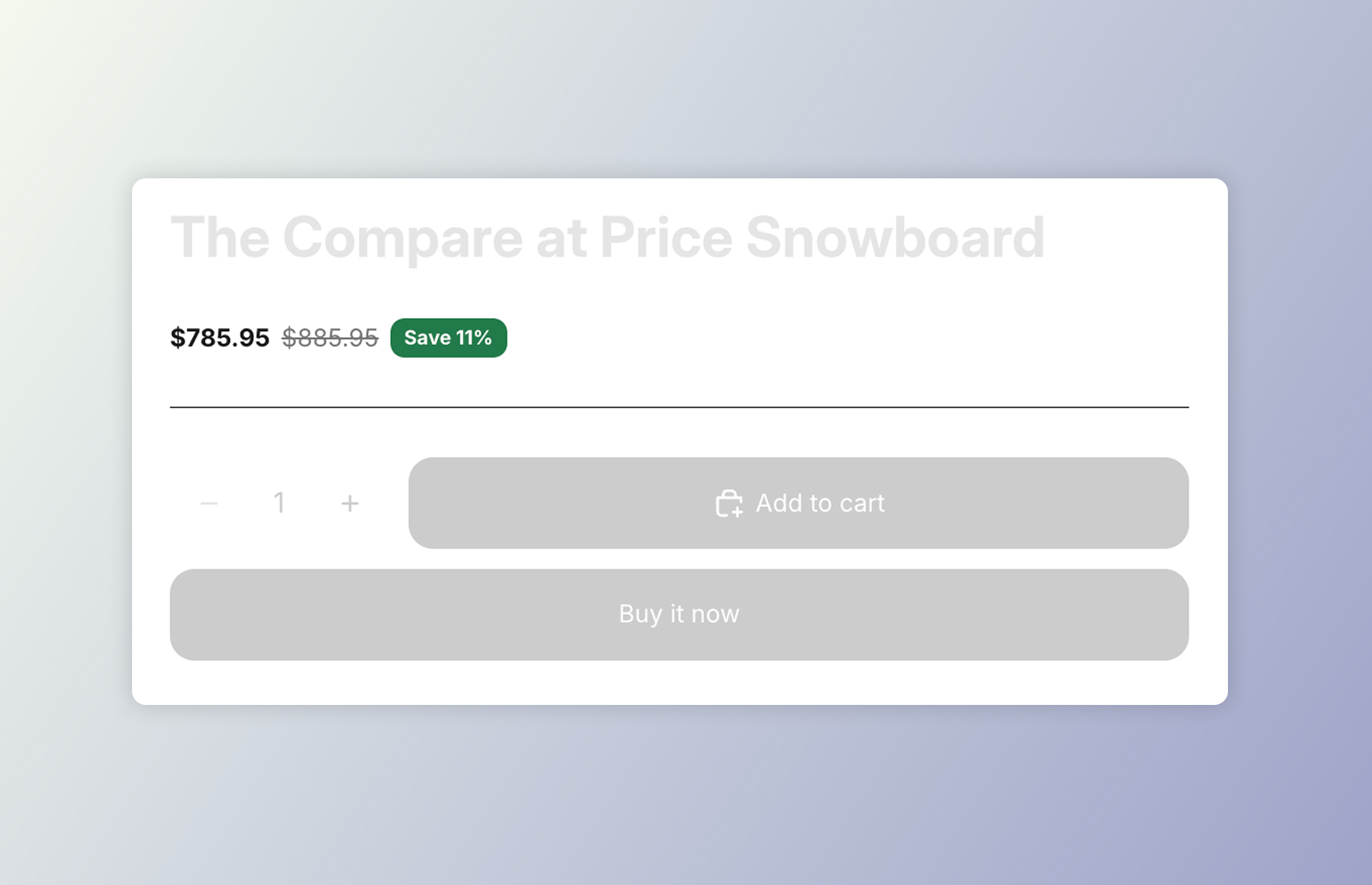
DKL Price component
<dkl-price> renders a product’s price in its own shadow DOM rather than hijacking the
theme’s price element — so it fully controls the markup and styling. It’s
event-driven: it has no direct reference to the volume picker,
but reacts to the tier-change events the picker emits.
- When a volume tier is selected (matched by product id), it shows the discounted price as the main amount and the original price struck through — the compare-at when the variant is on sale, otherwise the regular price. Deselecting reverts to the base price.
- On a variant change it updates the base price and re-applies the active tier, recomputing the discount off the new variant’s price (sale-priced variants included).
While a tier is active the component sets data-dkl-discounted on itself, so CSS can
colour the discounted price distinctly. An optional savings badge shows how much the
shopper saves.
On this component
Section titled “On this component”App blockBuild the price in the admin and place it with the Component block — no code.
Web ComponentsDrop dkl-price straight into your theme's Liquid and configure with data-*.
Styling & Data AttributesThe data-* attributes, --dkl-* styling tokens, and CSS parts shared by both.
EventsThe tier-change and variant events dkl-price reacts to.
Accessibility
Section titled “Accessibility”- Labelled amounts. Each amount is preceded by a visually-hidden label (
::part(vh)) — “Price” for the main amount, “Regular price” for the struck-through compare-at — so screen readers can tell the live price from the original. Don’t remove or repurpose::part(vh). - Live price announcements. When a variant or tier changes, the new price is announced
through a managed
aria-live="polite"region — concise, e.g. “£18.00, was £24.00, Save 25%”. It fires only on a change, never on initial load, and lives on a dedicated region rather than the host (a live region wrapping shadow DOM is monitored unreliably across screen readers). - Contrast. When restyling the savings badge, keep
--dkl-price-savings-colorand--dkl-price-savings-backgroundat sufficient contrast.